Feature Request
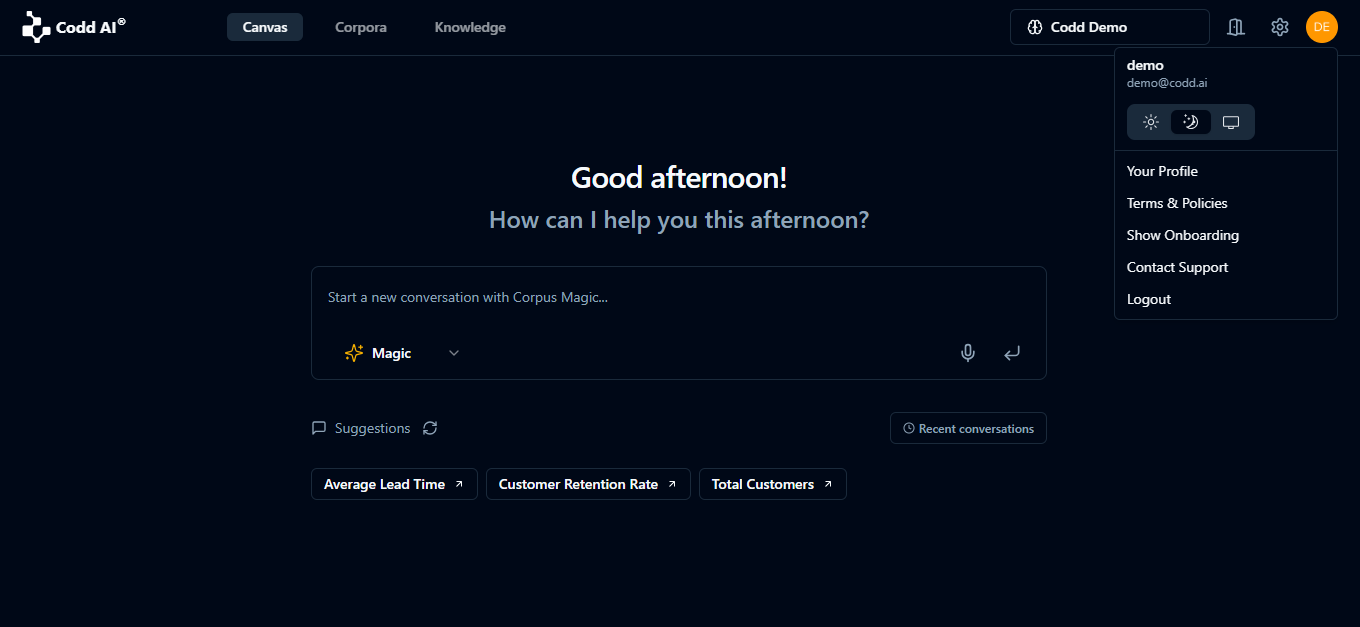
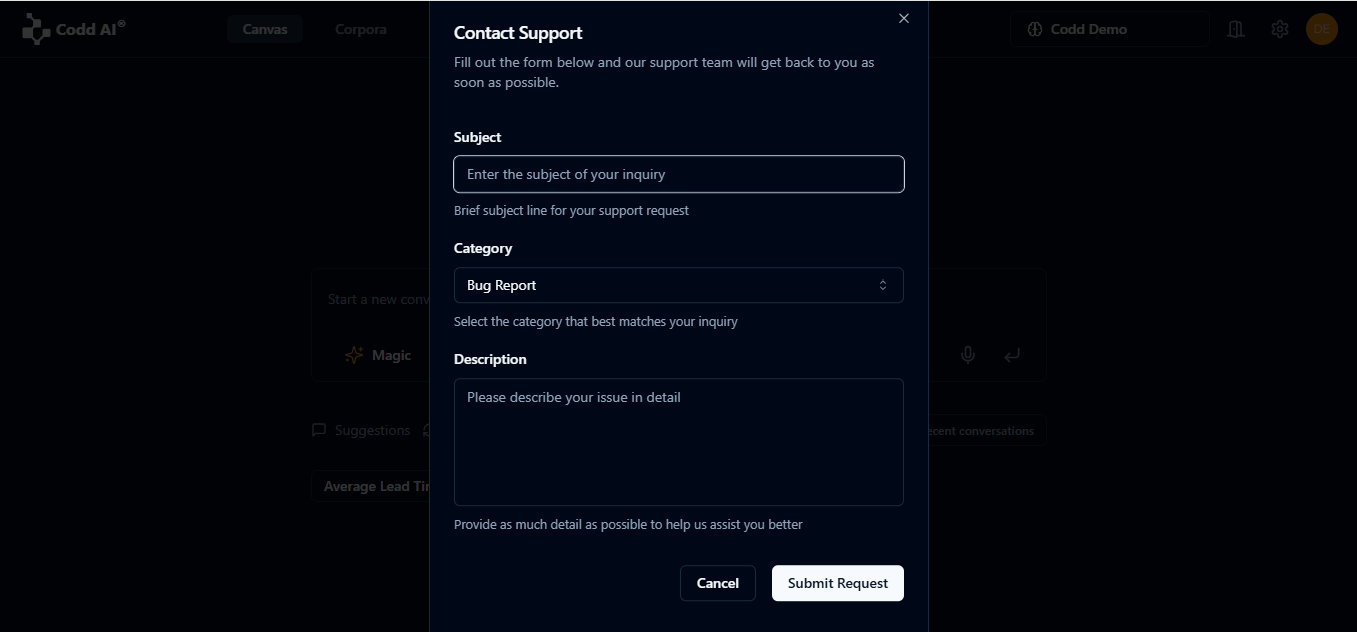
To submit a feature request, select the category "Others" and provide a clear, detailed description of your idea or improvement.
How to Submit a Feature Request
- Select Category: Choose "Others" as the category for your request.
- Provide Description: Clearly describe your feature request, including the use case, benefit, and any relevant details.
- Attach Files (Optional): You may attach mockups or supporting files if helpful.
- Submit Request: Click the "Submit Feature Request" button to send your suggestion to our team.
On This Page