Report a Bug
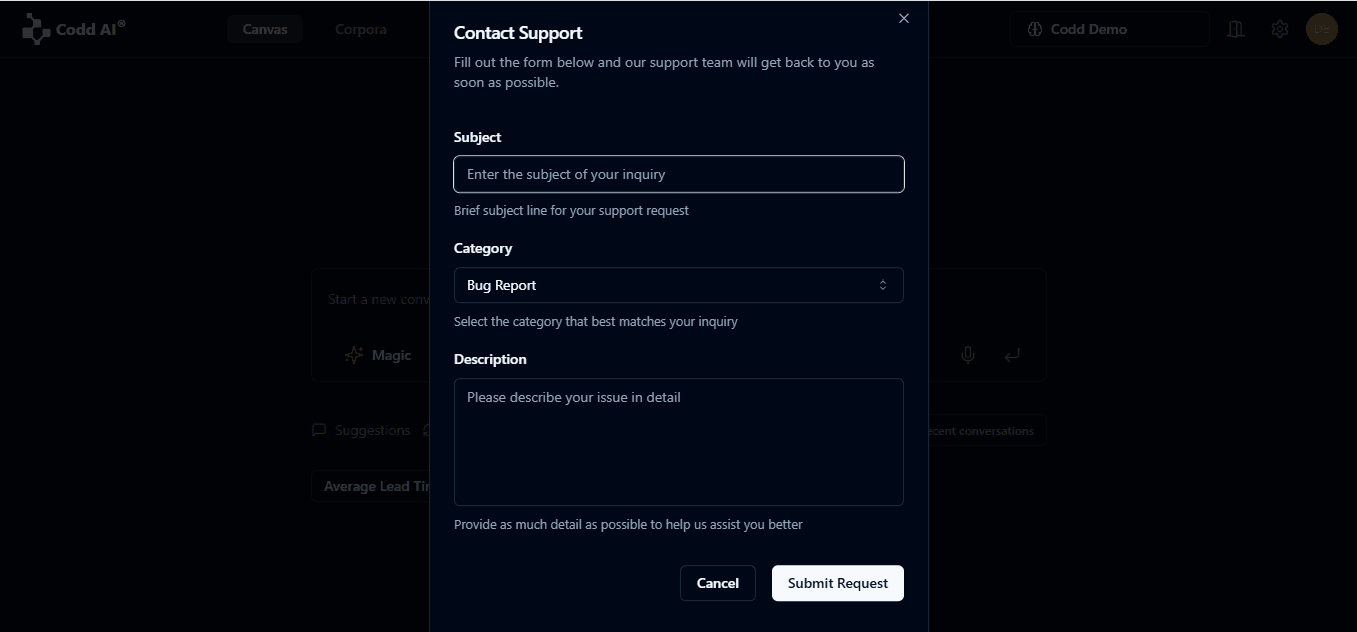
To report a bug or contact support, click your profile icon in the top right corner and select Contact Support from the dropdown menu.
How to Report a Bug
- Add Subject: Enter a clear and concise subject line that describes the bug you've encountered.
- Select Category: From the dropdown menu, select "Report Bug" as the category for your request.
- Write Description: Provide a detailed description of the bug, including:
- Steps to reproduce the issue
- Expected behavior
- Actual behavior
- Any error messages you received
- Your browser/device information
- Submit Request: Click the "Submit Request" button to send your bug report to our team.

On This Page